Step-by-Step
Overview
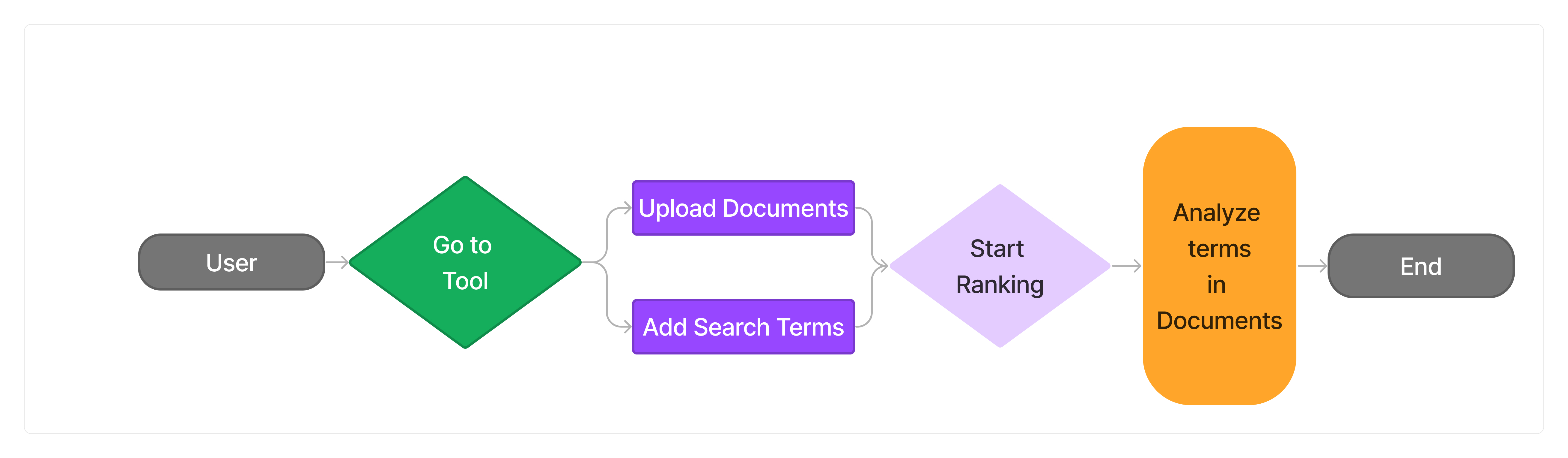
ARGUS offers a streamlined process for conducting literature reviews, empowering researchers to efficiently extract relevant information from research articles. Below is a detailed guide on how to use ARGUS effectively:
- Go To Argus:
Click on “Go To Tool” button to go to ARGUS tool.

- Argus Tool Page:
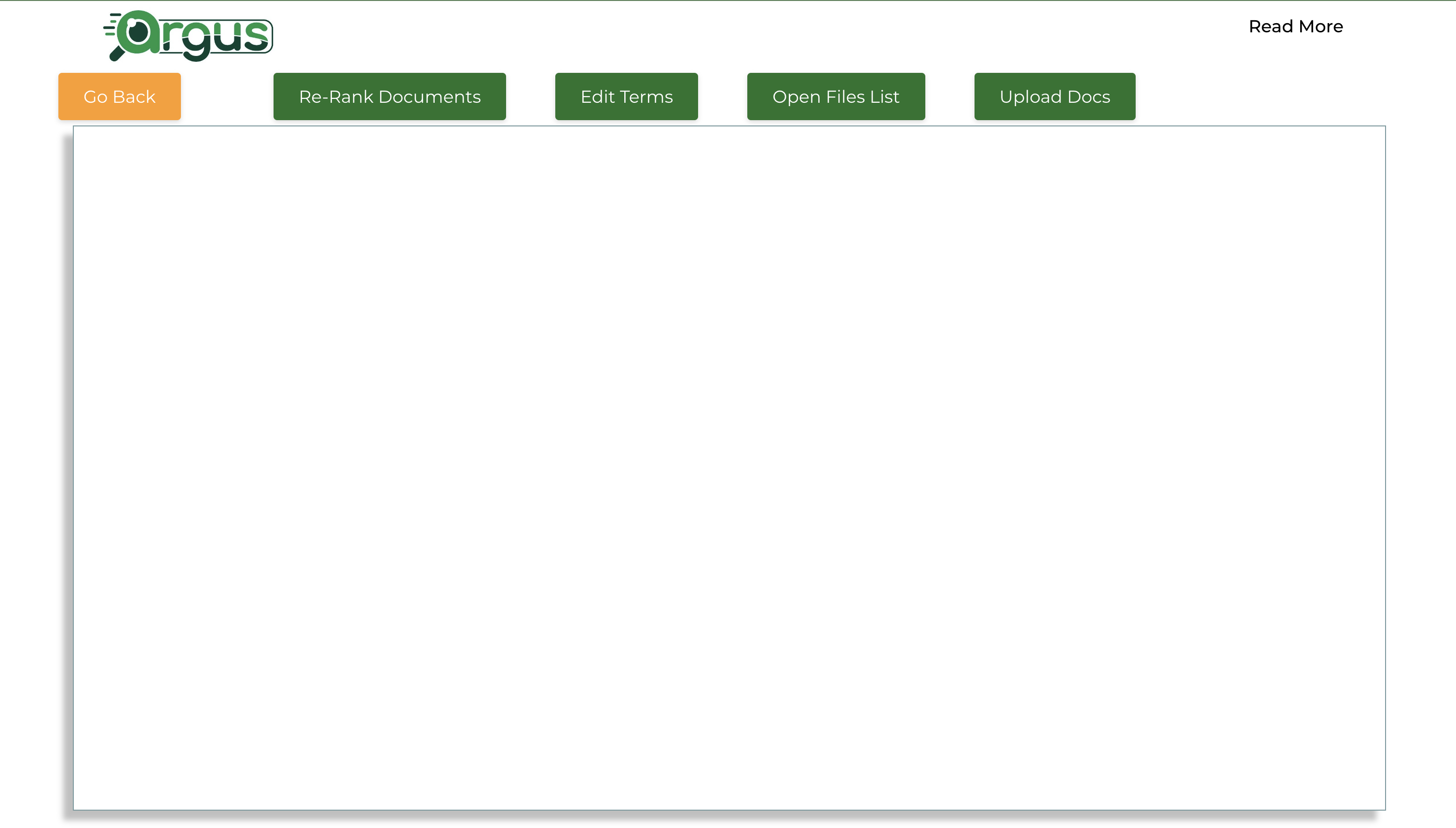
The Argus Tool page with the options for uploading documents, adding search terms, start/update ranks, go to home buttons.
- Define Keywords/Parameters:
Start by defining the keywords or custom parameters that will guide ARGUS’s focus during the analysis. These keywords should reflect the specific terms, phrases, or criteria relevant to your research objectives. Consider the key concepts, themes, or variables you want to explore within the literature.
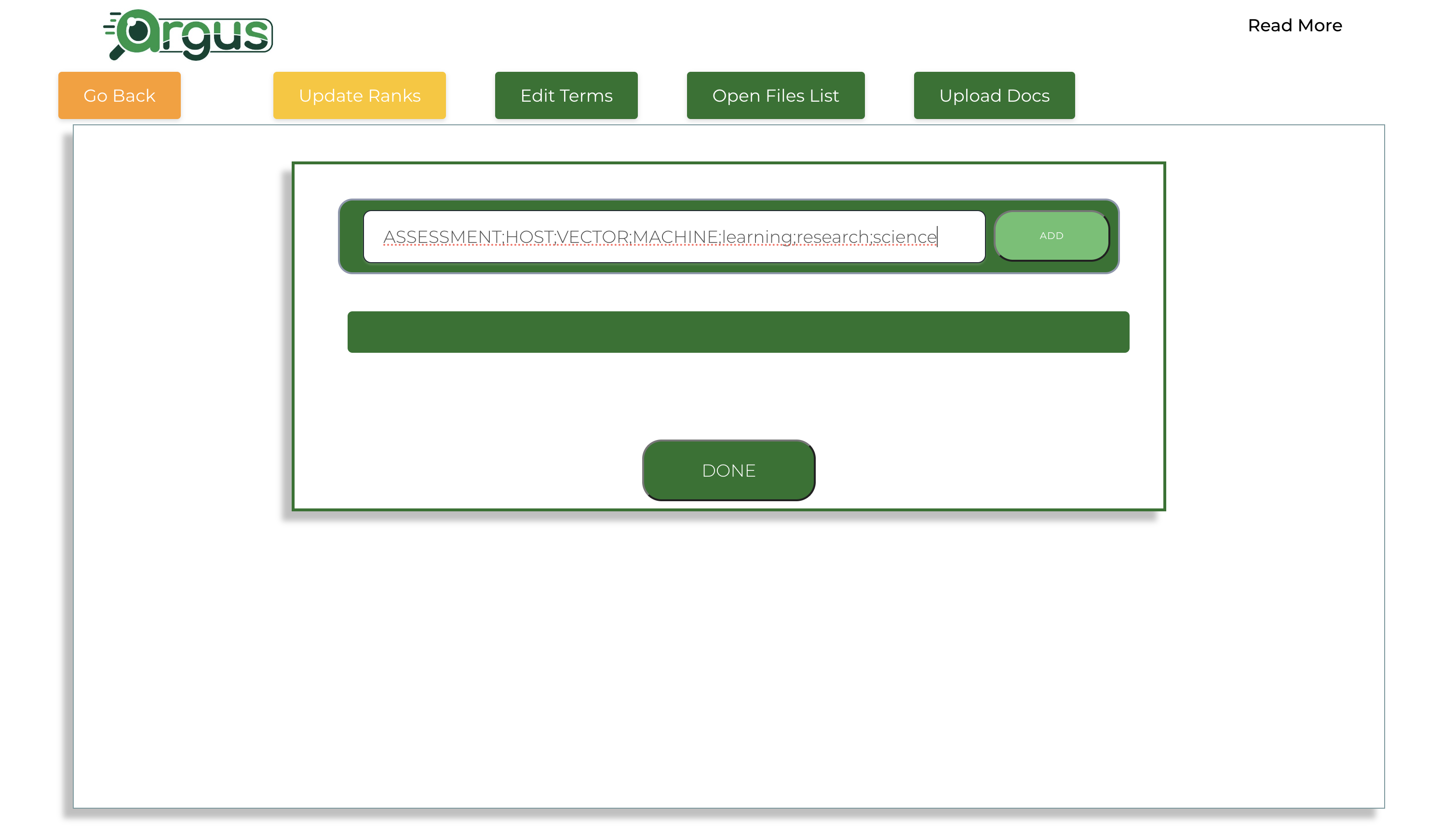
Open the add terms modal:

Add terms individually or user can add multiple terms separated by ‘;’ and clicking on “ADD” button:
Added terms in the terms list:
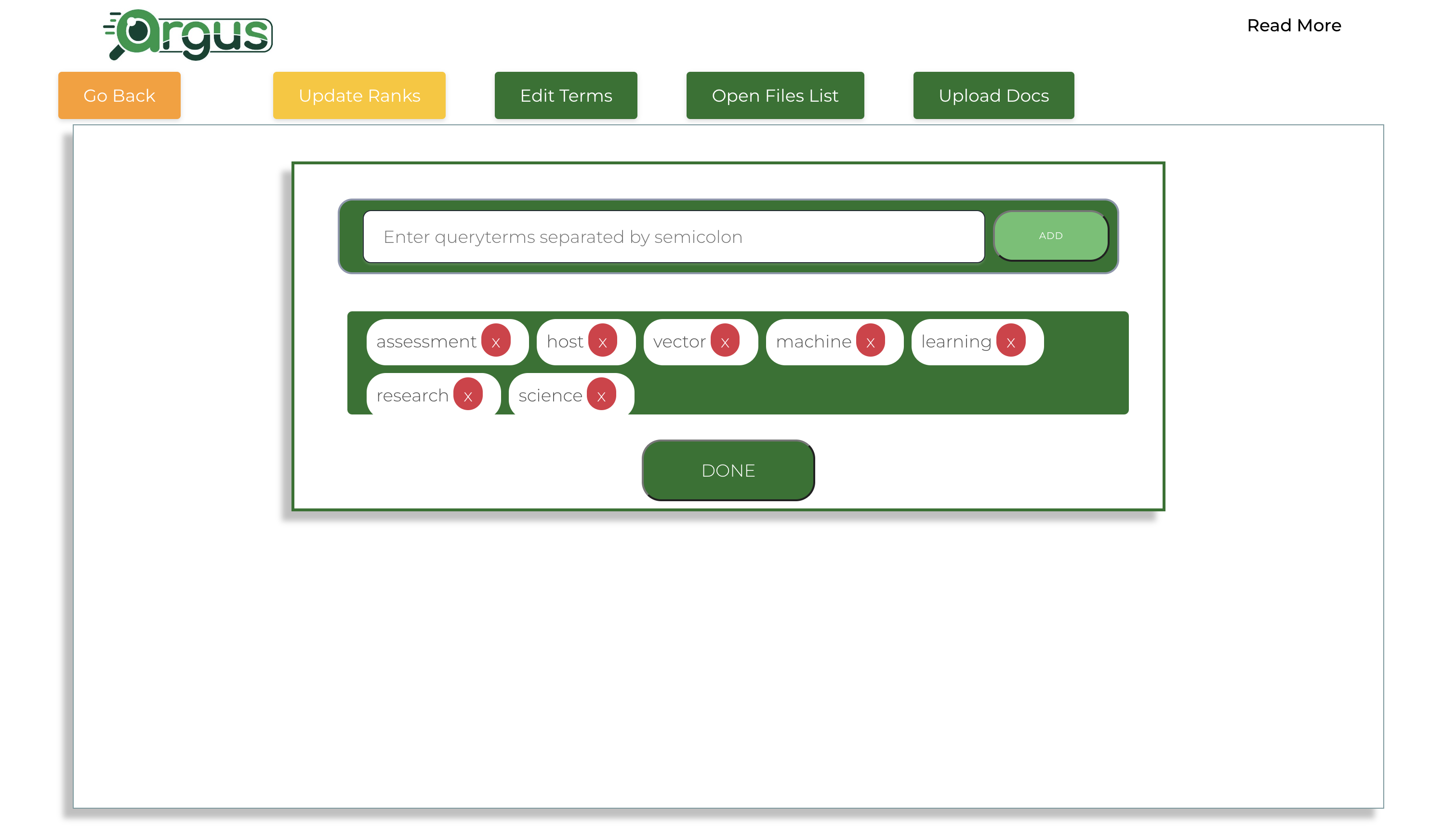
- Upload Research Articles:
Once the keywords are defined, proceed to upload your research articles in PDF format. You can upload individual articles or batch upload multiple articles simultaneously. Ensure that the research articles cover the scope of your literature review and contain the relevant information you wish to extract.
Click on “Upload Docs” button to add the research documents and Click to select the papers user wishes to analyze:
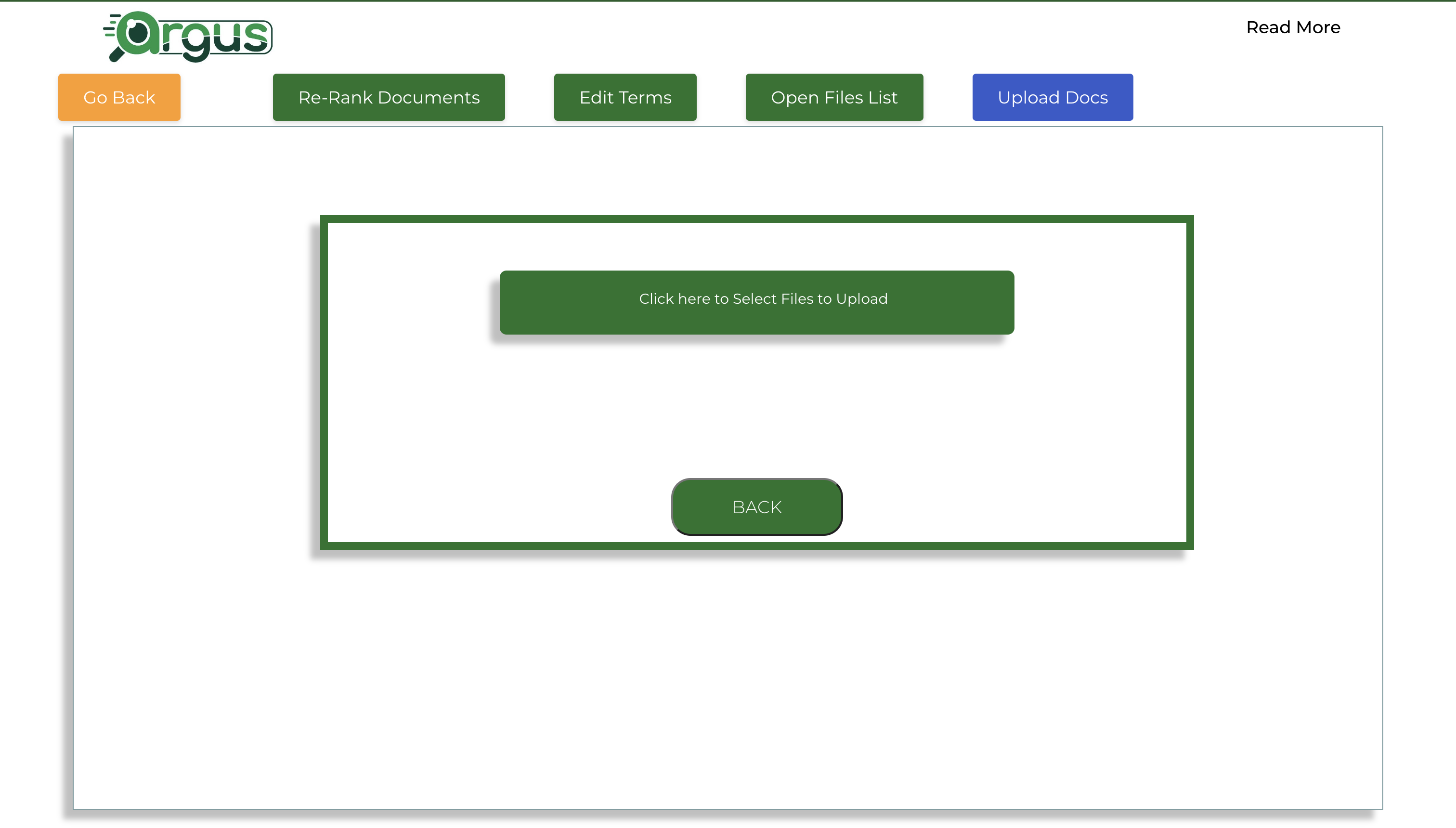
Click on “Upload Docs” button to add the research documents and Click to select the papers user wishes to analyze:
Click again upload the selected papers user wishes to analyze:
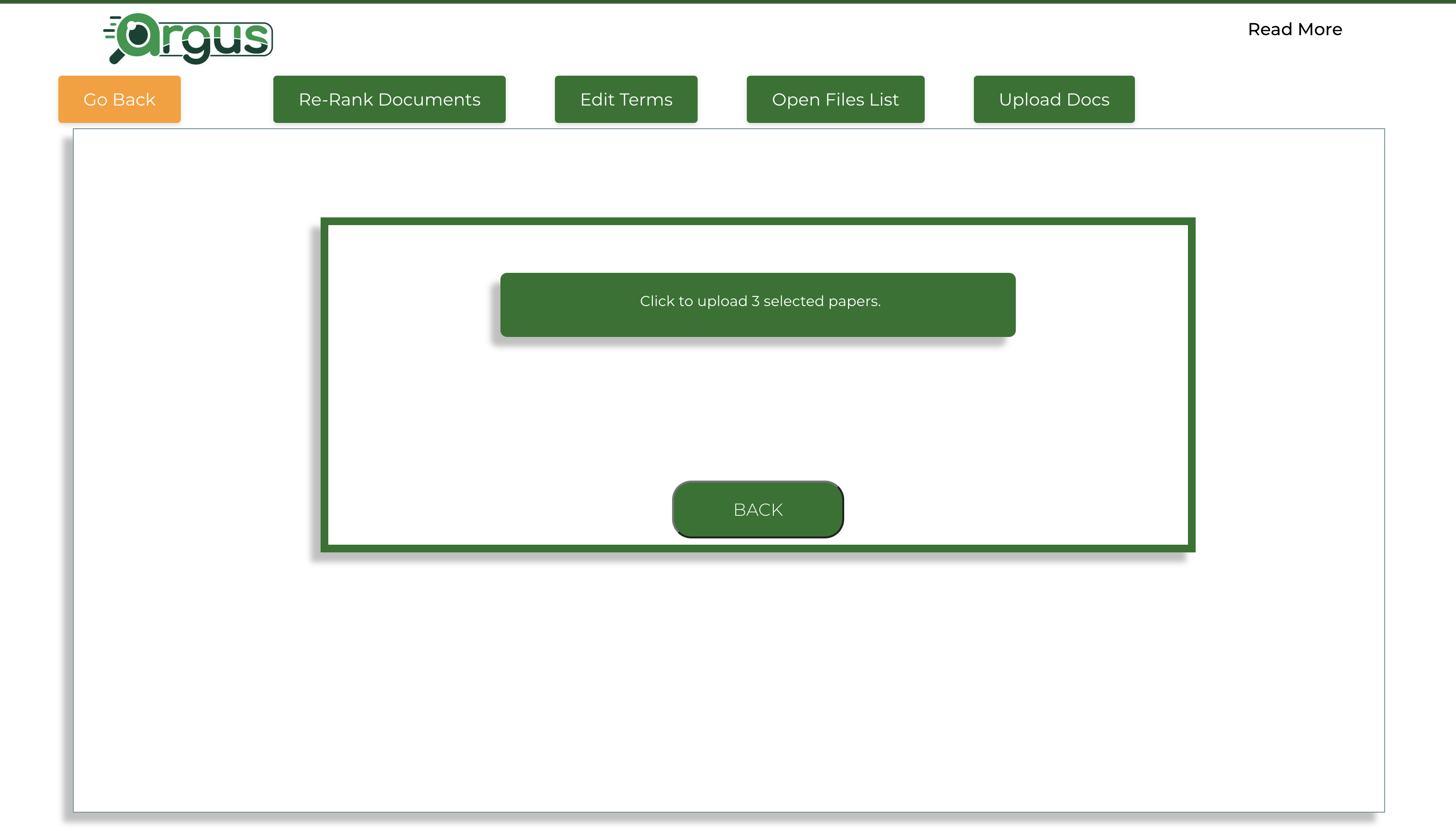
Wait untill all the documents are uploaded:

Run Analysis:
After uploading the research articles, initiate the analysis process. ARGUS will scan the uploaded articles and extract information based on the defined keywords or parameters. This analysis phase involves parsing through the content of each article, identifying sections relevant to the specified keywords, and extracting the necessary information.
Click on “Update Ranks” button to start the analysis:
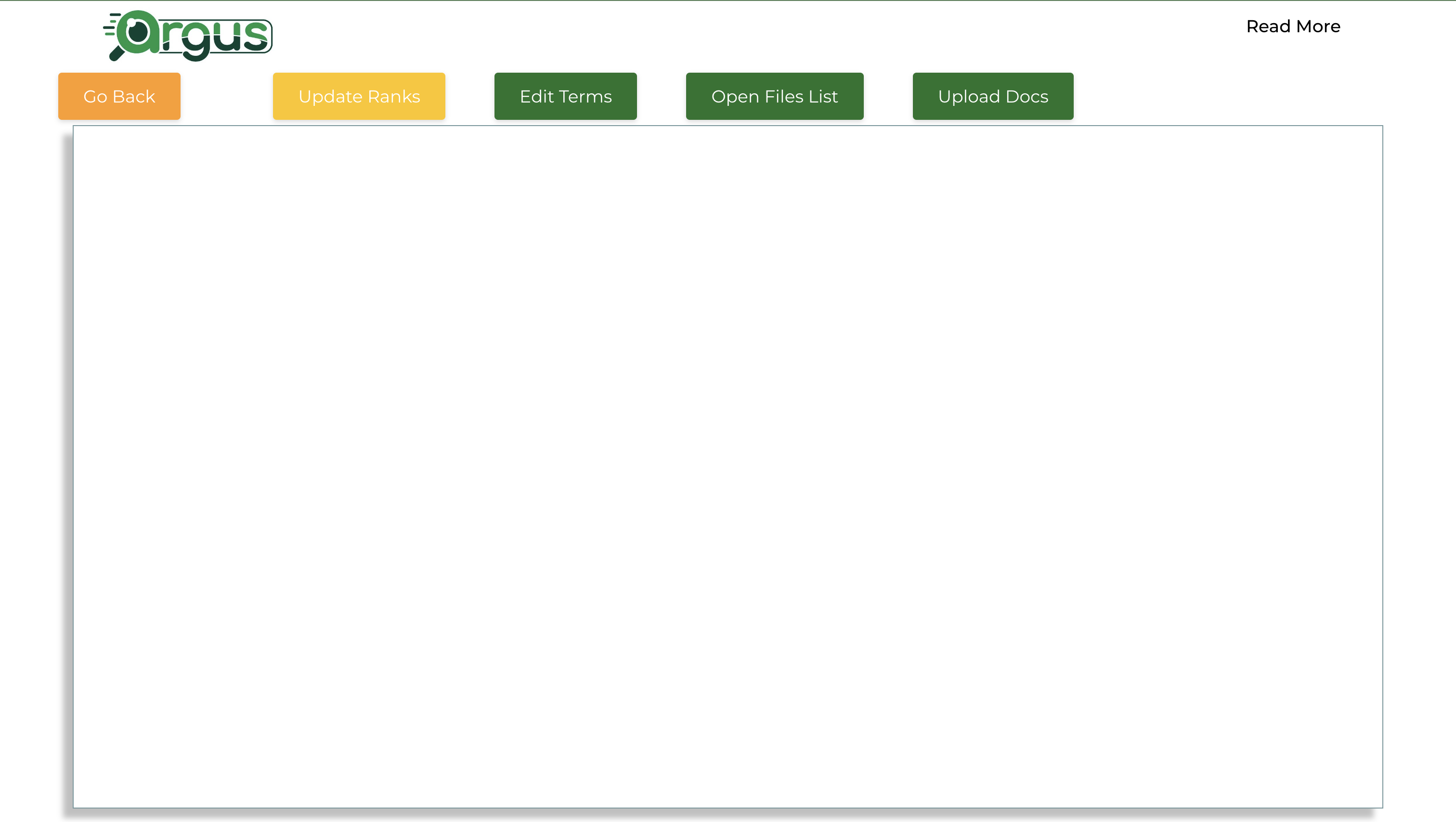
- Review Extracted Data:
Once the analysis is complete, review the extracted information within the designated form or output format. ARGUS presents the extracted data in an organized manner, making it easy for researchers to review and analyze. Take time to thoroughly examine the extracted data, ensuring that it aligns with the objectives of your literature review and provides the insights you require for your research.
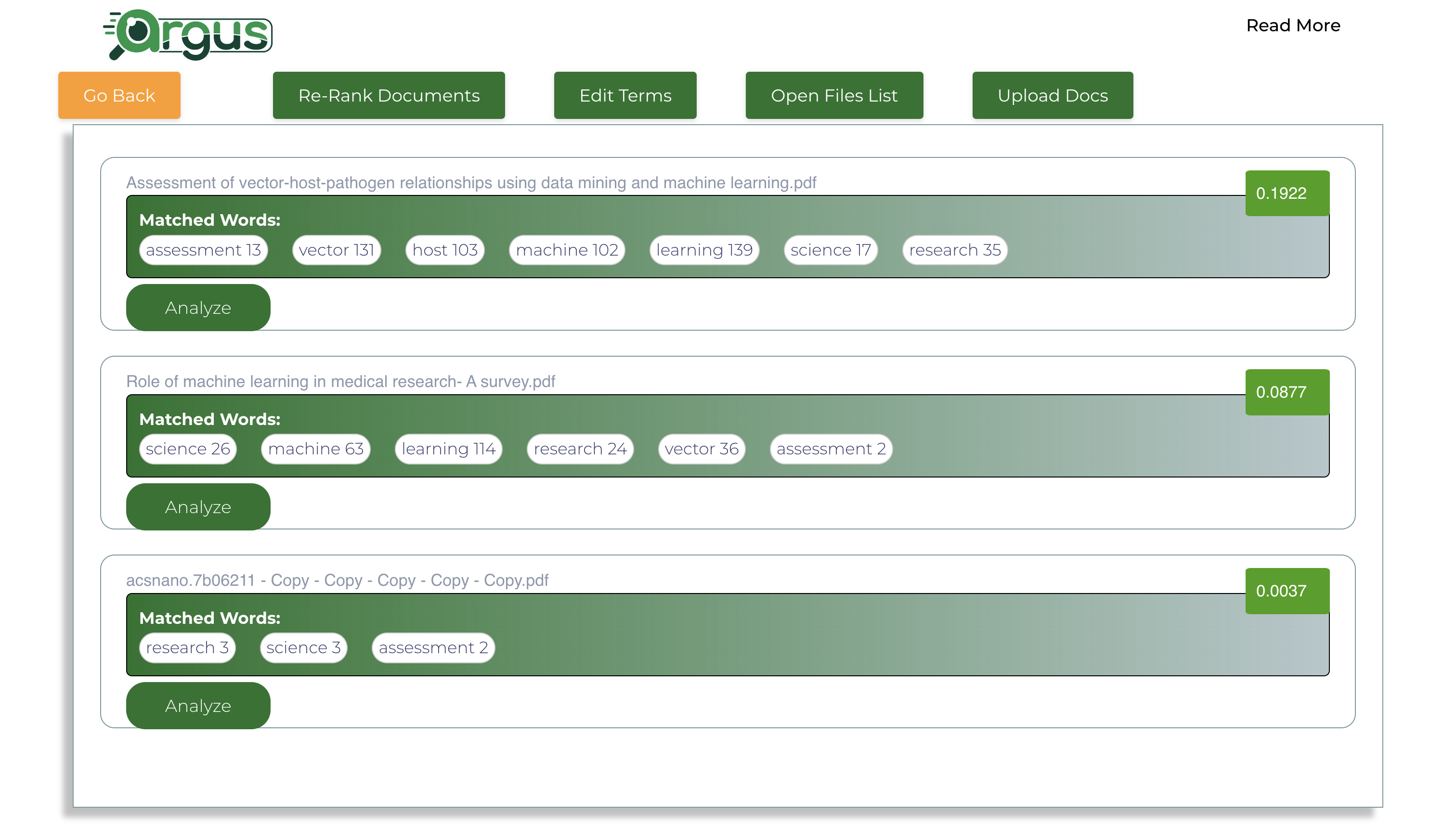
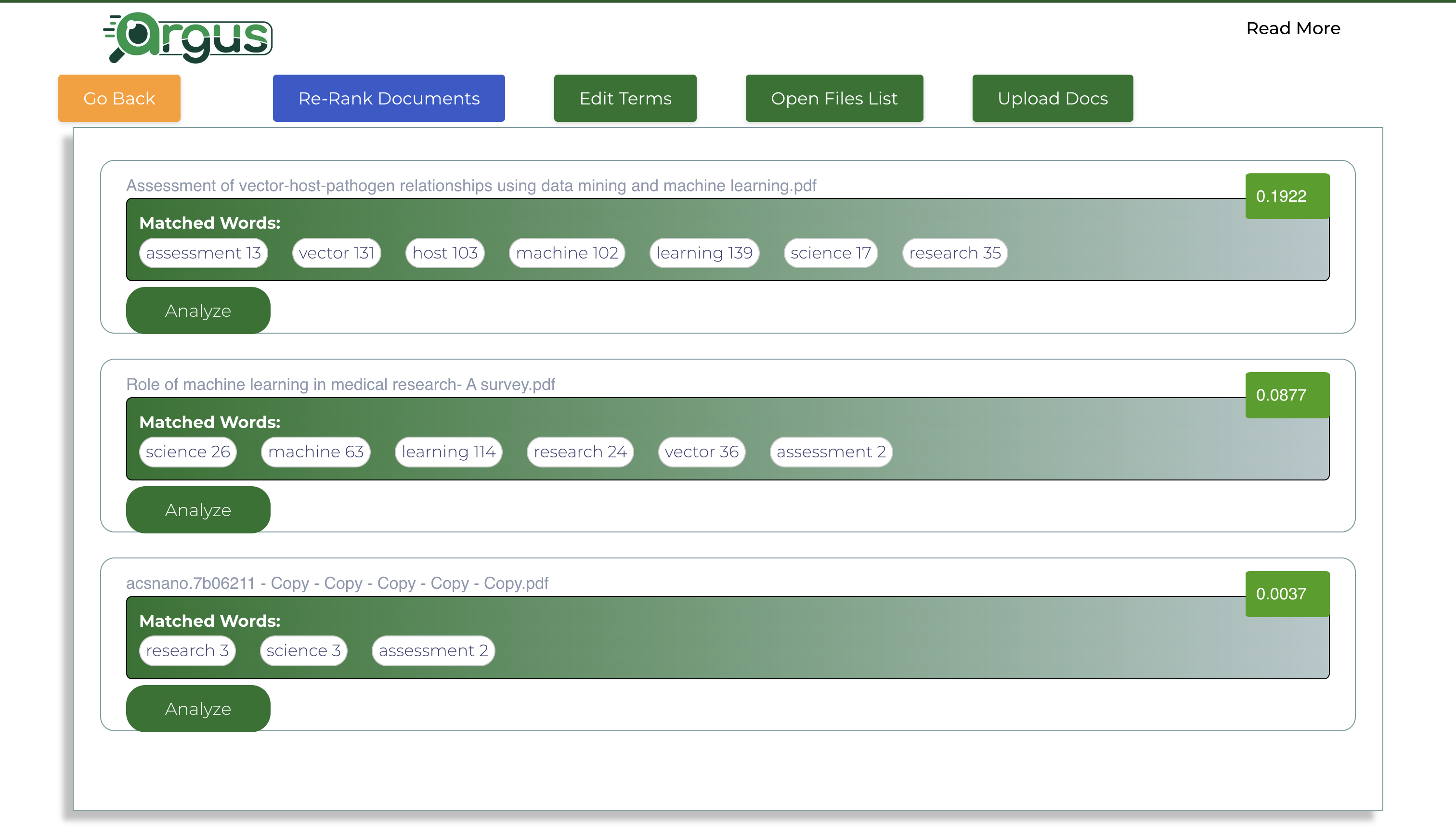
See the cosine similarity scores of the documents with the added terms in descending order of score to see most relevant documents on top.
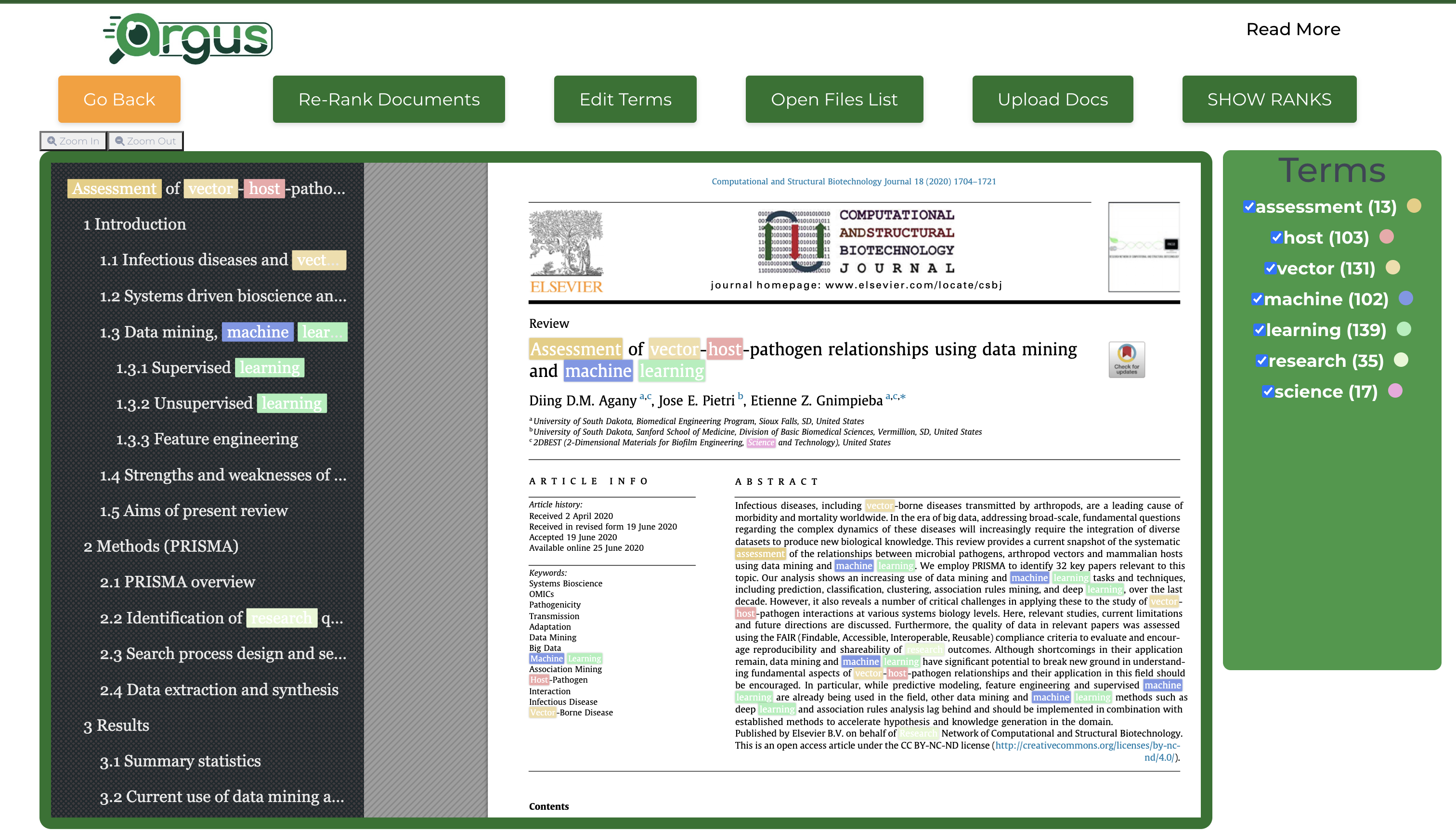
See the analysis, results and highlighting terms for better understanding of context of terms present in document:
click on the analyze in the previous show ranks page:
Refine (Optional):
Users can go back to show ranks page by clicking on the “show ranks” button to navigate to different documents.
Users can refine the terms by clicking on the “edit terms” button to refine the terms.
Re-Rank button helps user to run the ranking once again with updated terms.